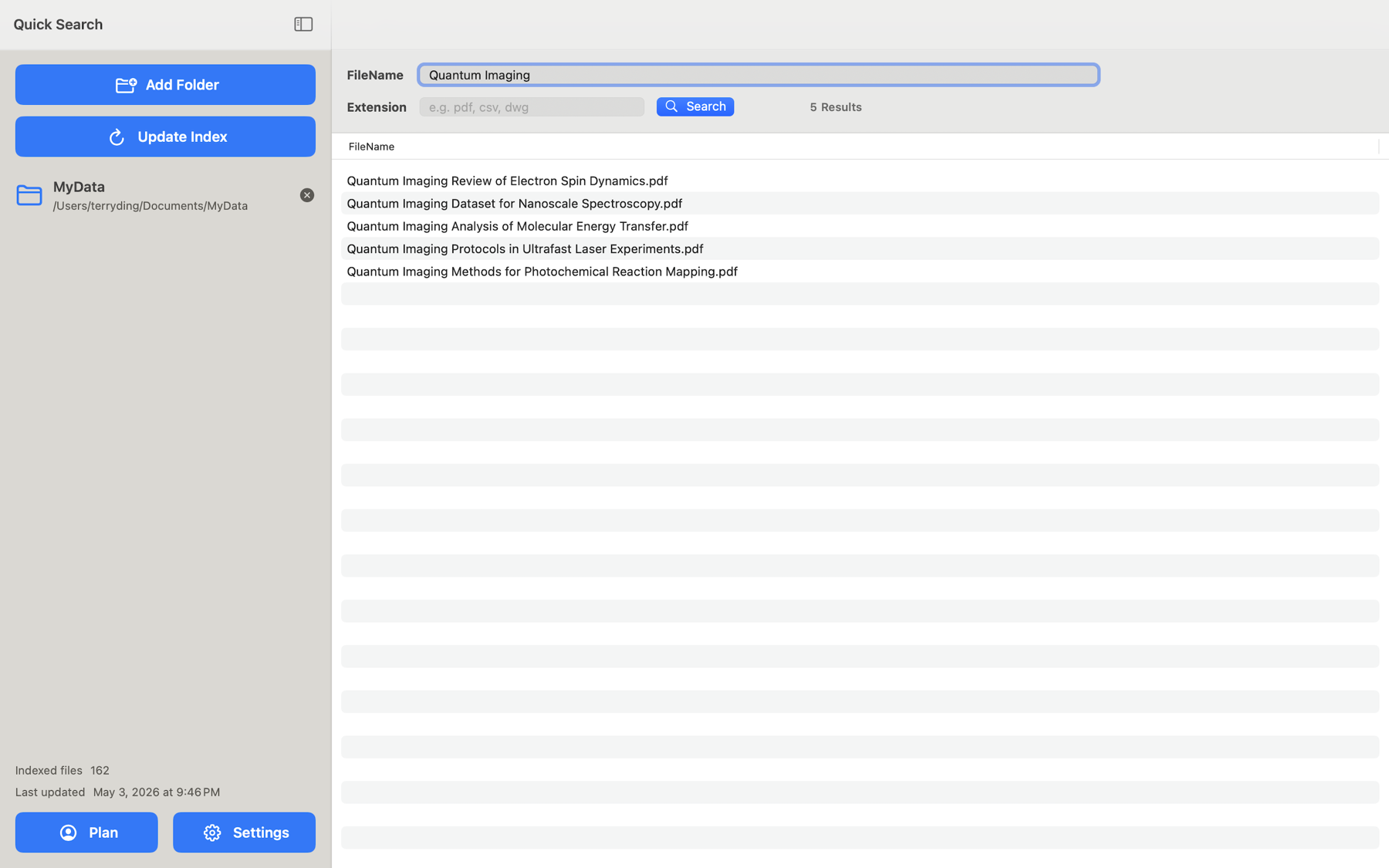
Name & extension search
Search with one or more filename terms using AND/OR matching, and filter by extension such as pdf, docx, or dwg.
Quick Search File
An ultra-fast, local-first file search app for the folders you choose. Build a local filename index, then search by name and extension in milliseconds — touch-first on iPhone and iPad, in a native Mac app, and from the Terminal for AI and automation.
Core features
Add or connect the locations you care about, build a local index, and find the right document by name or extension with transparent paths.
Search with one or more filename terms using AND/OR matching, and filter by extension such as pdf, docx, or dwg.
Authorize folders through the iOS Files picker, connect OneDrive and Dropbox, or index local and cloud-synced folders available in Finder on Mac.
See exact filenames and folder paths before you open a file, then open it with the system interaction menu.
Filename metadata and search settings stay on device. The app does not upload your index or search history.
The macOS CLI uses the same local index for Terminal search, paths-only output, and AI-ready JSON metadata for scripts and automation.
Averaged 4.952 ms on Mac and 6.731 ms on iOS in a generated 100,000-file stress test.
App preview
Filter by file type, combine filename terms, or pair a term with an extension to narrow large folders quickly — on Mac and on iPhone.
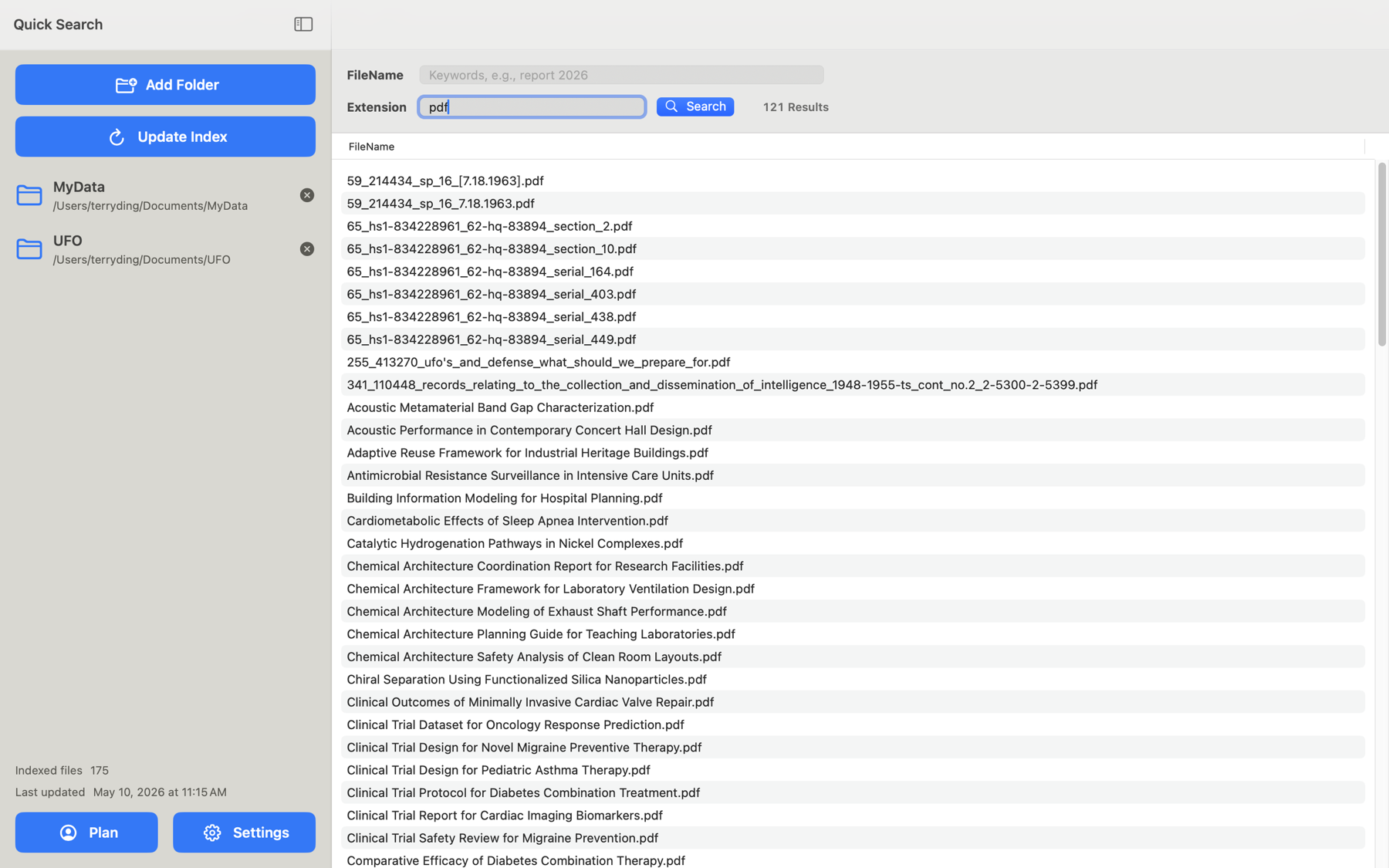
pdf.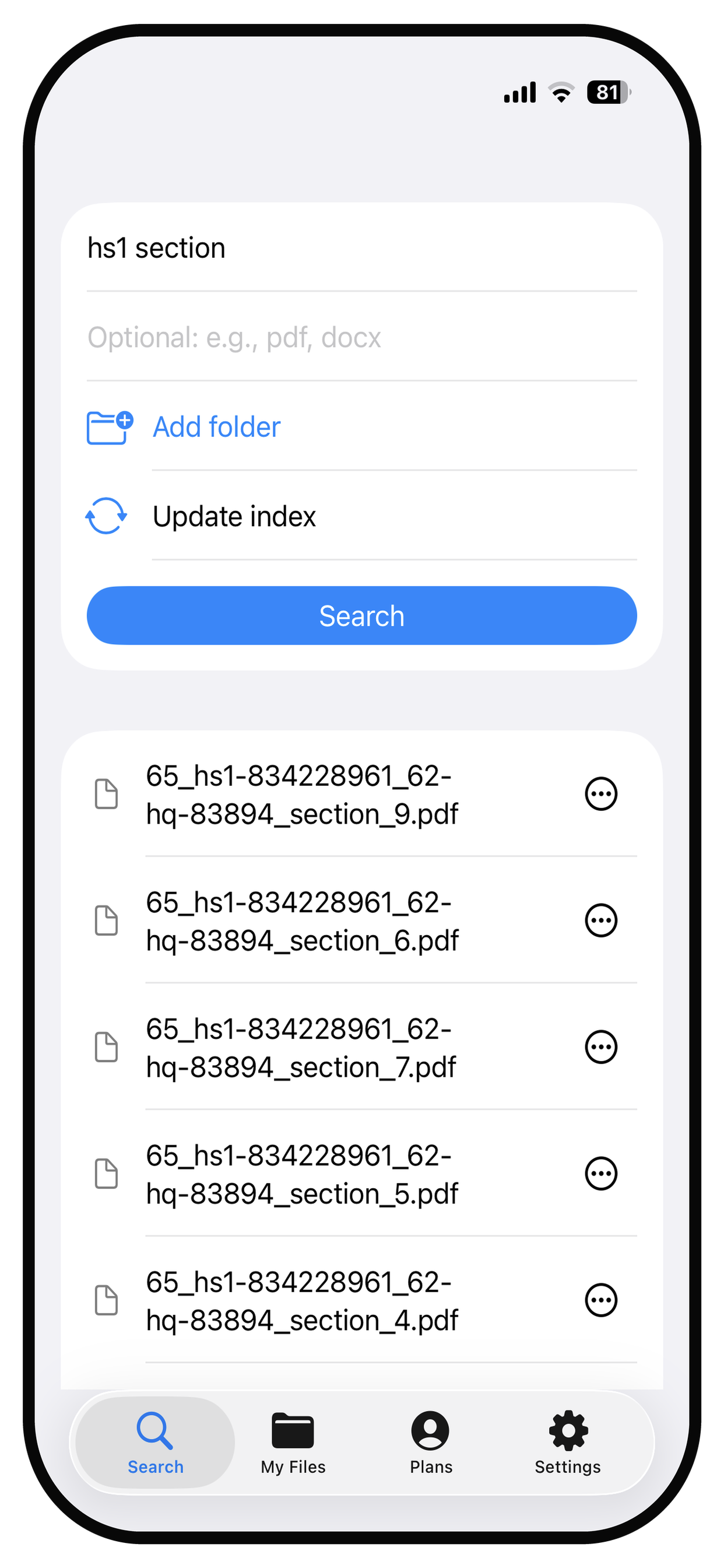
Explore
Dive into the iOS app, the macOS app and command line, measured performance, and step-by-step guides.
Authorize folders, connect OneDrive and Dropbox, and search by name and extension on iPhone and iPad.
Index local and synced folders in the Mac app, then search the same index from Terminal with JSON output.
How Quick Search File stays in the millisecond range across a 100,000-file stress test on Mac and iOS.
Learn how to search on iPhone, manage large folders on Mac, and search from the command line.